If a beat is technically clean but still feels weak, the sounds may be wrong for each other. Mixing can refine tone and balance. It cannot fully repair a kick with the wrong length, an 808 that fights the melody or five instruments competing for the same role.
Use these ten sound-selection fixes before adding more processing.
1. Choose the kick inside the beat
A kick that sounds huge alone may disappear beside the 808 or cover too much low end. Audition it while the melody and bass play. Listen for the right attack, body and tail rather than maximum size.
In FL Studio, swap candidates on one Channel Rack slot so the MIDI pattern and routing stay identical. Keep levels close. Ableton Drum Rack and Logic Drum Machine Designer support the same type of controlled comparison.
2. Match the 808 to the kick
Choose an 808 whose attack and sustain leave a clear role for the kick. A short, mid-forward kick can pair with a deeper sustained bass. A heavy low kick may work better with an 808 that has less attack or more upper harmonics.
Confirm the 808 tuning and test all notes used in the pattern. If the relationship is still muddy after simple level and envelope changes, replace one source. The guide on mixing kick and 808 covers the full troubleshooting order.
3. Remove competing musical parts
Two chords, a wide pad, a vocal chop and a lead may all sound good separately while filling the same register. Mute each part in turn. If the main idea becomes clearer, the arrangement needed fewer sounds.
Try changing octave or rhythm before adding EQ. A high counter melody can answer a lower sample; a pad can appear only in the hook. Separation created by composition usually sounds more natural than carving every part into a narrow band.
4. Pick sounds that speak the genre
Genre is partly a vocabulary of envelopes, textures and rhythm. Trap often favors clean transients and flexible 808s. Drill needs low-end articulation and percussion that supports syncopation. Boom bap benefits from body, room and controlled texture.
Use a focused collection to narrow the search: Trap Drum Kits, Drill Drum Kits, Boom Bap Drum Kits or Phonk Drum Kits. Then choose by the specific beat, not only the label.
5. Create contrast between the drums
If every drum is bright, wide and long, none feels important. Pair a short kick with a longer 808, a centered snare with a wider clap, or a dry backbeat with occasional roomy percussion.
Contrast also comes from level and timing. Supporting hits can be quieter and less frequent. The listener should understand which drum leads the groove.
6. Use fewer, better sounds
More layers make a beat larger only when they add different information. Start with one kick, one main backbeat, one closed hat, one percussion voice and one bass. Add another sound after the core pocket works.
A limited palette makes weak choices obvious and speeds up mixing. If you need three snares to make the backbeat audible, audition one stronger snare before building a processing chain.
7. Audition every sample in context
Browser previews remove the arrangement that the sound must survive. Keep the beat running while choosing drums, and lower preview volume where possible so a loud file does not win automatically.
Test at least one busy and one sparse section. A hat that works in the verse may be too bright in the hook. A long 808 may sound impressive in the intro and crowd the full arrangement.
8. Replace a bad sound instead of over-processing it
Give each candidate one or two purposeful adjustments: length, pitch, level or a small EQ move. If it still needs heavy repair, compare another sample. Processing should shape character or solve a clear conflict, not justify the first file you loaded.
This rule protects time and headroom. It also produces simpler sessions that are easier to revise. For a deeper selection method, read How to Choose the Right Sample Pack for Your Genre.
9. Build a personal favorites folder
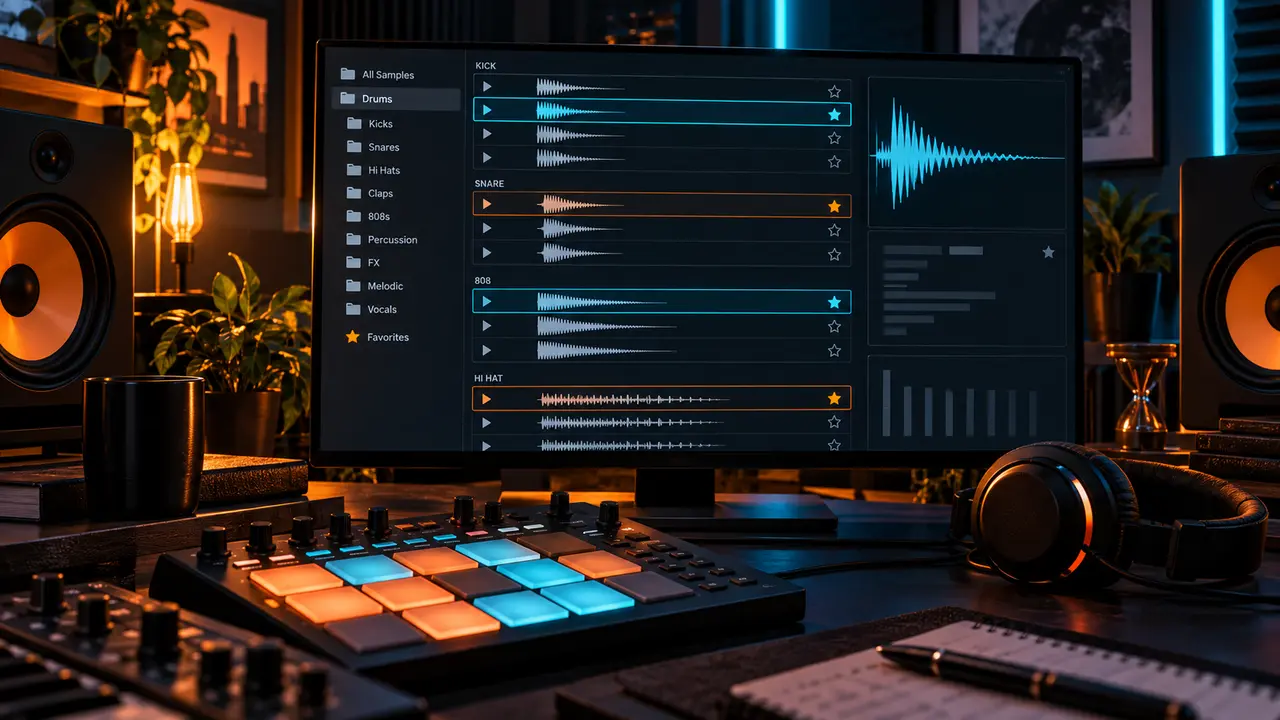
Copy sounds into Favorites only after they work in a real beat. Organize the folder by useful roles such as kicks, snares, hats, percussion and 808s. Keep enough variation in envelope and tone to solve different arrangements.
Do not delete the original pack or rename its only copy. Preserve the source library and copy selected files into your working folder. FL Studio users can add that folder to the Browser; Ableton and Logic users can expose the same curated location in their own file browsers.
10. Organize large libraries into small working palettes
A large collection is useful as an archive, not as the list you scan for every snare. Pull a temporary palette from it at the start of a project: a few kicks, snares, hats, percussion sounds and 808s. Stop browsing once the set supports the beat.
The All Drum Kits Bundle can serve as a broad public source library, while the Sample Packs collection is useful when the missing role is melodic material or texture. Curate either one around your actual workflow.
Ten-minute selection routine
- Write the genre, mood and tempo.
- Choose the 808 and verify its pitch.
- Audition five kicks with the bass playing.
- Pick one backbeat and one main hat.
- Add only one distinctive percussion sound.
- Arrange eight bars before reopening the library.
Check the palette before you start mixing
Turn the monitor level down and play the busiest section. The kick, backbeat, bass movement and main musical idea should still form a readable hierarchy. Then listen in mono for sounds that vanish or crowd the center.
If the beat becomes clearer when one channel is muted, make a selection or arrangement change first. A good palette does not need to be finished, but it should already explain the record.
Conclusion
Better sound selection means choosing sounds for roles, context and contrast. Replace incompatible sources early, keep the palette small and let finished beats build your favorites folder. Mixing becomes faster because the sounds already agree on what the track is trying to do.